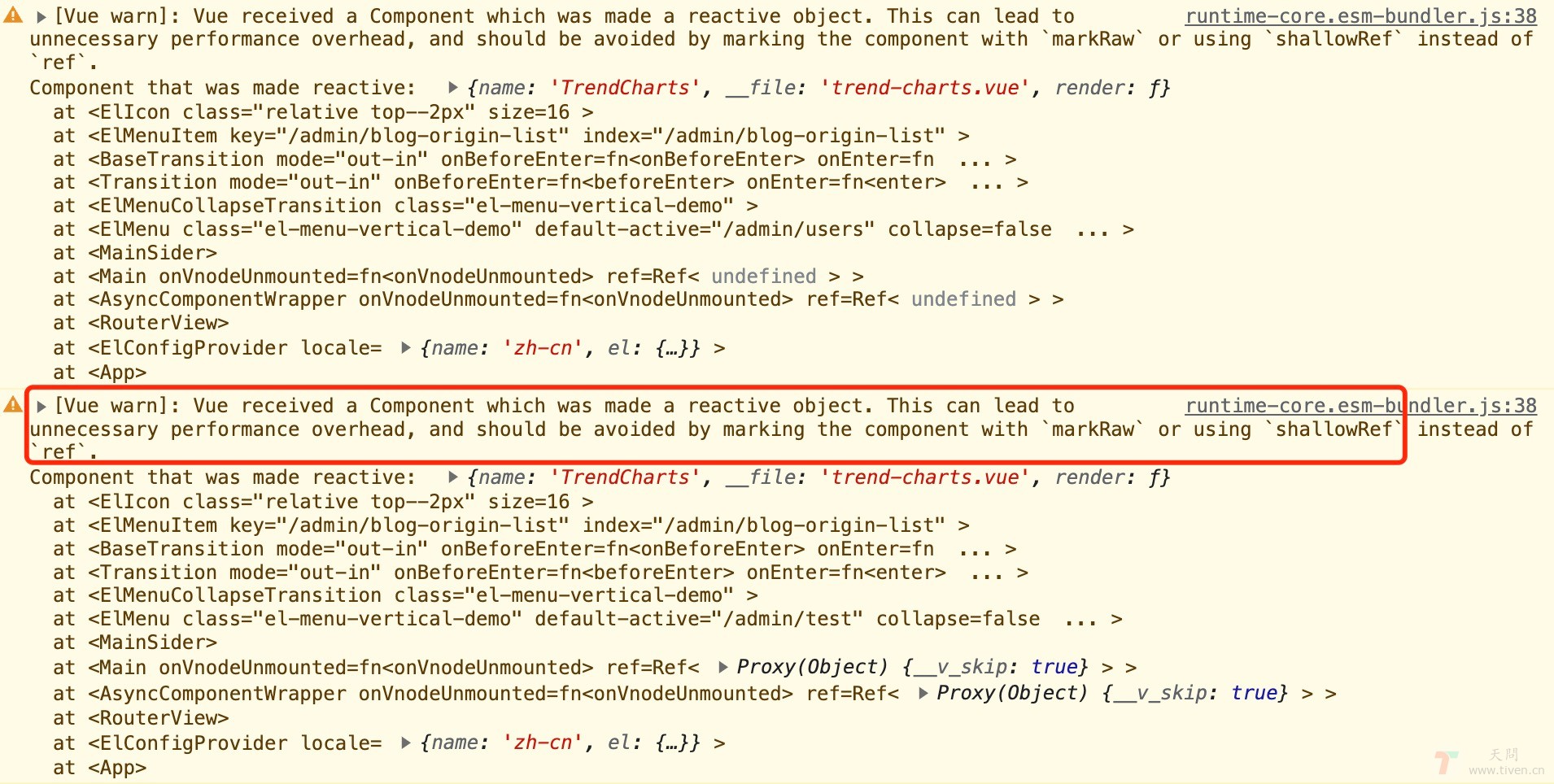
使用 Vue3 动态组件时,控制台出现警告:Vue received a Component which was made a reactive object. This can lead to unnecessary performance overhead, and should be avoided by marking the component with markRaw or using shallowRef instead of ref

Vue3 shallowRef | markRaw

一、使用场景

使用 Vue3 + Element 搭建后台管理系统,左侧菜单栏有很多,于是把菜单配置到一个数组中,通过遍历渲染菜单。

<el-menu-item v-for="item in data.menu" :key="item.index" :index="item.index" > <template #title> <el-icon class="relative top--2px" :size="16"> <component :is="item.icon"/> </el-icon> <span class="ml-5px">{{ item.name }}</span> </template> </el-menu-item> <script setup> import { List, TrendCharts, UserFilled, } from '@element-plus/icons-vue'; import { reactive } from "vue"; const data = reactive({ menu: [ { icon: UserFilled, name: '菜单1', index: '/admin/m1', }, { icon: List, name: '菜单2', index: '/admin/m2', }, { icon: TrendCharts, name: '菜单3', index: '/admin/m3', }, ] }) </script>

其中 icon 是导入的组件,在遍历中只能借助 Vue 提供的内置组件 <component> 进行渲染。 然后就出现了以上警告,虽然不影响正常渲染展示,但是看着不太友好,而且还提示有可能影响性能。

二、解决方案

使用 shallowRefmarkRawicon 组件包裹一下,目的其实就是 解除被包裹组件的响应式,提高性能

<script setup> import { List, TrendCharts, UserFilled, } from '@element-plus/icons-vue'; import { reactive, shallowRef, markRaw } from "vue"; const data = reactive({ menu: [ { icon: shallowRef(UserFilled), name: '菜单1', index: '/admin/m1', }, { icon: shallowRef(List), name: '菜单2', index: '/admin/m2', }, { icon: shallowRef(TrendCharts), name: '菜单3', index: '/admin/m3', }, ] }) </script>

三、拓展

使用 动态路由 的时候也会出现这种警告,解决方案同上。


欢迎访问:天问博客